
Last updated on July 7, 2026
To link your NIN to Airtel officially, dial 996NIN#, submit your details on the Airtel NIN portal, send your NIN to 996 by SMS, or use a VNIN through the MyAirtel app. All four methods work in 2026, even if your line is already restricted. These are the only routes Airtel currently accepts, so you do not waste time with outdated codes or apps that no longer support NIN updates.
Once you choose the method that matches your device, the rest of the process is straightforward as long as your NIN matches the one on your SIM registration. This guide explains each method step by step, shows how to fix failed submissions, and helps you check your NIN status so you can restore full service without delay.
Table of Contents
What Is a NIN and Why Airtel Requires It
A National Identification Number (NIN) is the 11-digit ID assigned by the National Identity Management Commission (NIMC). It connects a person to biometric and demographic records and is required for banking, government services, and telecom compliance. All telecom operators in Nigeria must restrict unlinked SIMs, which is why Airtel lines with no linked NIN eventually face call limitations or full deactivation.
How to Retrieve Your NIN Before Your Link NIN to Airtel
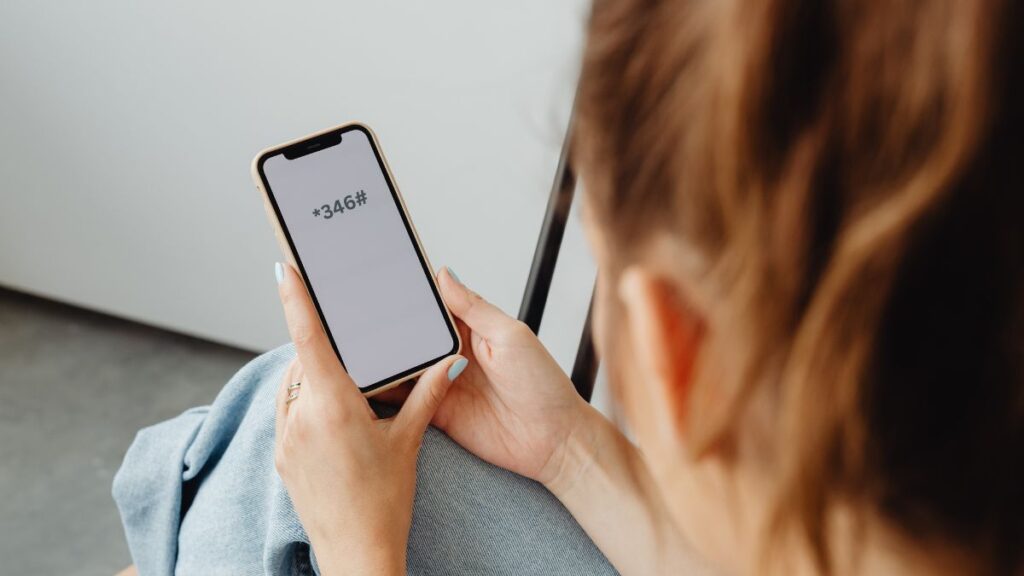
A significant number of Nigerians search for “NIN lost” or “how to check NIN again” before linking. The fastest retrieval method is:
Dial:
*346#
Select: 1 – NIN Retrieval
A small fee applies. The NIN appears on the screen and can be used immediately.
How to Link Your NIN to Your Airtel Number
1. Use USSD (Most Reliable)
This is the simplest and most widely supported option. It works on:
- Smart phones
- Feature phones
- Older keypad phones
- Blocked lines
To link:
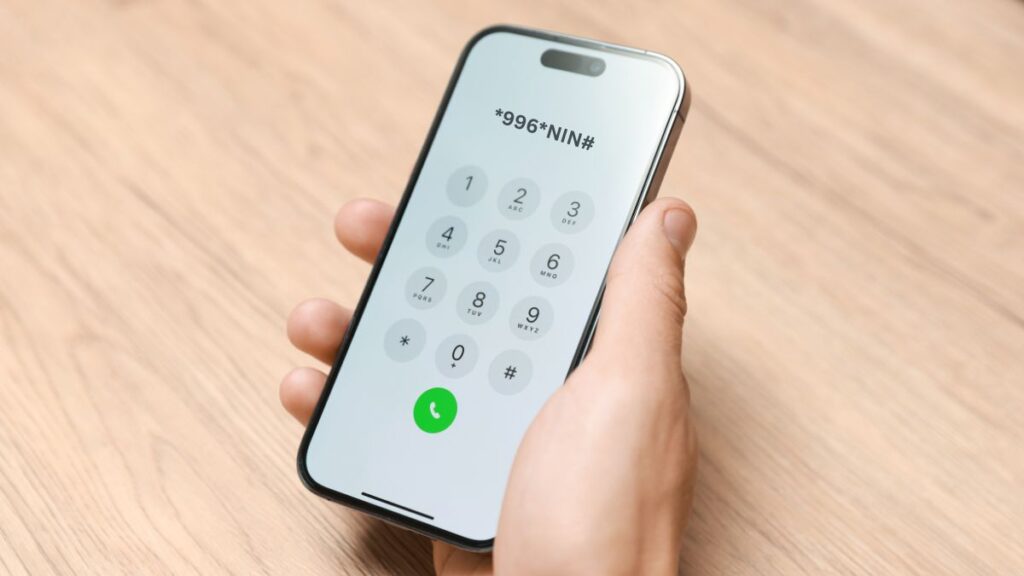
Dial:
*996*NIN#
Airtel sends the information to NIMC for verification. During peak traffic hours, “Pending” responses are common, and repeating the code after some minutes usually completes the update.
Verification issues on Airtel often resemble the same challenges people face when linking digital wallets, especially where identity details must match before a request is accepted.
2. Use Online Portal
This method works well for users with steady internet access.
Steps:
- Visit: https://www.airtel.com.ng/nin
- Enter your Airtel number
- Request and enter the OTP
- Submit the 11-digit NIN
- Wait for verification status
This method remains active even when outgoing calls are restricted.
3. Through SMS
Some users prefer SMS because it works even when USSD is slow.
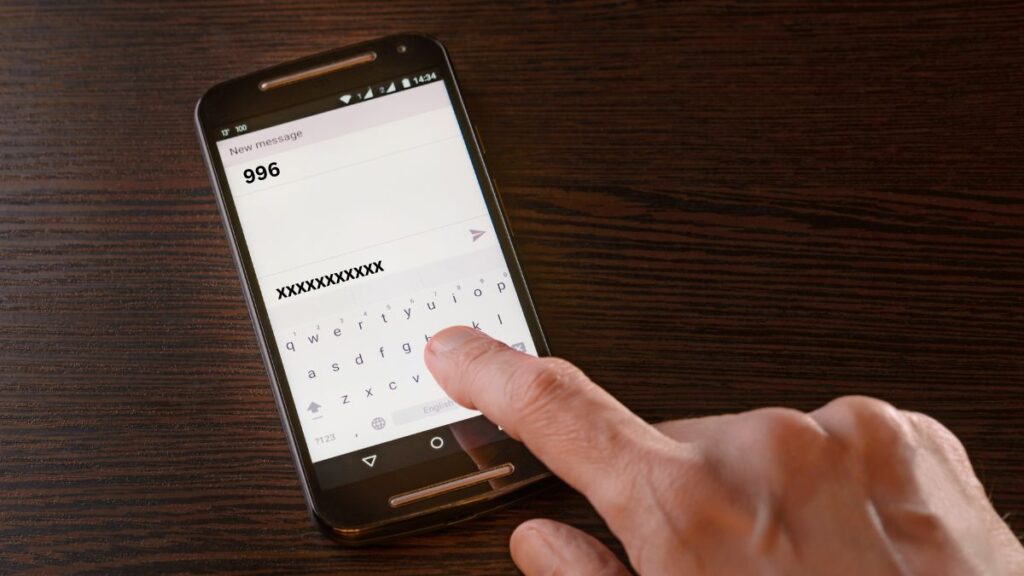
To link:
Send your 11-digit NIN to:
996
A confirmation message may not arrive instantly. For many users, the update reflects later once NIMC confirms the record.
Some users find the app-based submission smoother, especially if they have recently handled other mobile verification steps such as reviewing their PayPal limits or updating linked payment accounts.
4. Use MyAirtel App (VNIN Method)
While Airtel does not officially list the app as a primary NIN-linking channel, many users update their records through a Virtual NIN (VNIN) generated from NIMC.
Steps:
- Open the MyAirtel app
- Go to the Submit ID / NIMC icon
- Enter your Virtual NIN (VNIN) (generated from *346# option 3 or NIMC app)
- Follow the prompts to complete the submission
This method is useful when USSD and SMS do not go through.
5. Use the NIMC Mobile ID App (For VNIN Only)
Some guides mention linking an Airtel line through the NIMC MobileID App because the app manages NIN records and appears in several official NIMC references. However, the app does not directly link a mobile number to Airtel’s network. Its main function in this process is to generate a Virtual NIN (VNIN), which Airtel may accept when updating NIN details through its portal or self-service channels.
How the NIMC App Fits Into the Process
- The NIMC MobileID App can generate a secure VNIN, which replaces sharing the raw 11-digit NIN.
- Airtel may use this VNIN when users submit their identification through the Airtel portal or the MyAirtel app’s “Submit ID” option.
- The app does not complete the SIM-linking process by itself, and Airtel does not list it as a standalone linking method.
Steps for VNIN Generation (If the App Is Available)
- Open the NIMC MobileID App (availability varies for some users).
- Log in with your NIN or scan the QR code on your NIN slip.
- Generate a Virtual NIN (VNIN) from the app dashboard.
- Use this VNIN when submitting identification on the Airtel portal or the MyAirtel app.
Important Note
Because the NIMC MobileID App sometimes becomes unavailable or unstable on the Play Store for certain users, Airtel recommends using its official channels—USSD (*996*NIN#), airtel.com.ng/nin, or SMS to 996—as the primary and reliable methods for linking NIN to an Airtel line.
The NIMC app does not directly link to your Airtel SIM.
However, it generates a Virtual NIN (VNIN) that Airtel accepts across its portals and apps.
If Your Airtel Line Is Already Blocked
Blocked lines can still be updated through:
- *996*NIN#
- Airtel NIN Portal
- SMS to 996
- MyAirtel App (VNIN)
If the update fails, the cause is usually a NIMC mismatch, such as:
- Name differences
- Wrong date of birth
- Incomplete biometric record
- Old enrolment errors
In these cases, visiting an Airtel store or NIMC correction centre resolves the issue faster.
A blocked Airtel line often comes down to identity mismatches, just as payment platforms restrict activity until the owner updates their registered details.
How to Check Your Airtel–NIN Link Status
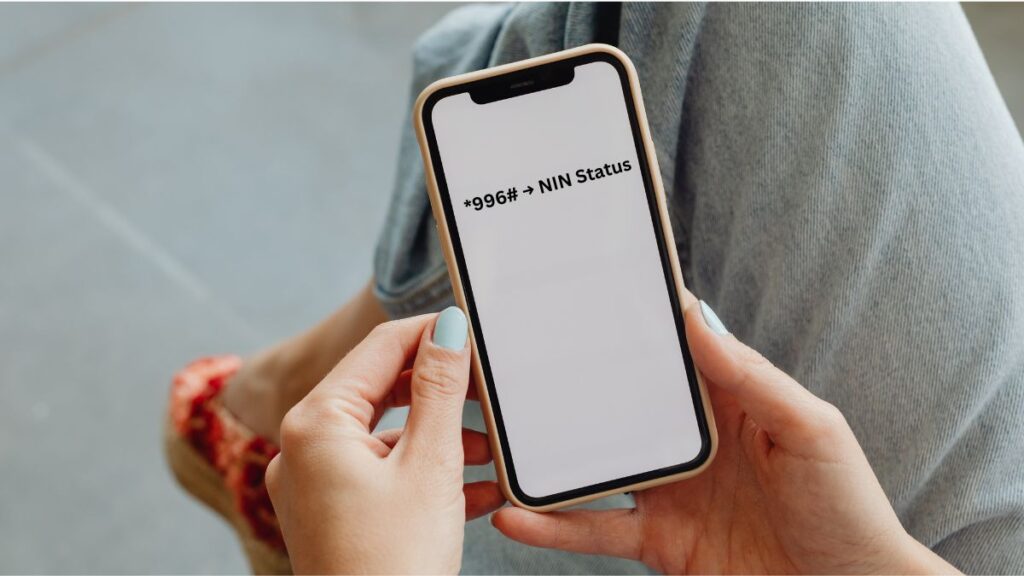
Dial:
*996# → NIN Status
Results show:
- Verified – Successfully linked
- Pending – Awaiting NIMC confirmation
- NIN not found – Record mismatch or wrong NIN
Common Problems and How to Fix Them
| Issue | Likely Cause | Solution |
| USSD not working | Network congestion | Retry after 10–15 minutes |
| NIN rejected | Mismatch in NIMC data | Visit NIMC for correction |
| Pending status | Backlog at NIMC | Wait or retry via the online portal |
| Blocked SIM | No NIN linked | Use *996*NIN# or portal |
| VNIN not accepted | Wrong VNIN format | Regenerate VNIN |
Incorrect Methods Circulating Online (Avoid These)
Many outdated tutorials still mention the following to link NIN to Airtel number:
1211#
This is an old or Uganda-specific code. It no longer works for Airtel Nigeria.
SMS to 121
The correct SMS shortcode is 996, not 121.
Linking Airtel directly inside the NIMC App
The app cannot link to any mobile network. It only generates a Virtual NIN.
YouTube guides using foreign Airtel codes
Many video tutorials come from Airtel Uganda, not Airtel Nigeria.
Frequently Asked Questions
How do I link my NIN to my Airtel line?
Use *996*NIN#, the Airtel NIN portal, SMS to 996, the MyAirtel app with VNIN, or a nearby Airtel centre.
Can I link NIN to Airtel number for free?
Yes. All Airtel NIN linking channels are free.
How can I retrieve my NIN?
Dial *346# and select NIN Retrieval.
Can one NIN be linked to multiple Airtel numbers?
Yes, as long as the numbers are registered in the same name as the NIN.
What happens if I do not link NIN to Airtel?
Airtel must restrict outgoing calls and may later deactivate the number.
How do I check NIN status on Airtel?
Dial *996# and select NIN Status.
Why is my NIN not linking?
There may be a mismatch in your NIMC record. A correction at NIMC or assistance at an Airtel store usually resolves it.
Final Thoughts
It is essential to link NIN to Airtel number as it is the compliance requirement for mobile users in Nigeria. The most reliable method remains the USSD code *996*NIN#, while the Airtel portal, SMS process, Virtual NIN options, and in-store assistance offer additional support when network traffic is high. By using the correct methods and avoiding outdated codes circulating online, users can update their records smoothly and keep their Airtel line active without interruption.

Tarun Asrani is the founder and editor-in-chief of SmartAfricaGuide. With extensive experience in digital publishing and content strategy, he leads the platform’s focus on finance, scholarships, e-learning, and career opportunities shaping Africa today. Tarun visits Africa twice a year, gaining first-hand exposure to local education systems, job markets, and emerging technologies. He also closely follows African news, university updates, and government initiatives to ensure SmartAfricaGuide delivers timely, accurate, and practical insights grounded in real regional experience.