
Last updated on January 3, 2026
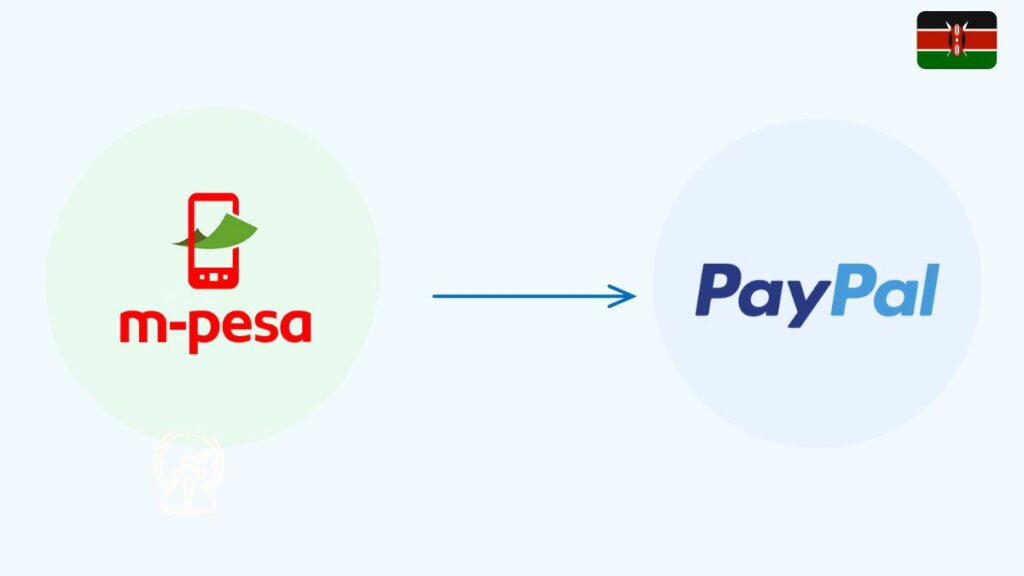
If you are searching how to deposit money from MPesa to PayPal in Kenya, the quickest way is to open the M-PESA app, go to Global Payments → PayPal → Top Up, enter the amount in shillings, and approve the STK prompt with your M-PESA PIN. The money is converted to dollars at the PayPal–M-PESA rate and lands in your PayPal balance for online shopping or subscriptions.
Some Kenyans still prefer using the PayPal Mobile Money web page instead, especially when they want to see the conversion clearly before sending. The real question is simple: which method feels easier, safer, and more predictable for your next top-up? This guide walks through each option step by step, including fees, limits, and common errors.
Table of Contents
What You Need Before Depositing to PayPal
Before starting, confirm the following:
- Your PayPal and Mpesa names match
- Your PayPal account is verified
- Your Mpesa line is active
- You linked PayPal to Mpesa earlier
- You have enough Mpesa balance for the top-up
This prevents failed deposits or delays during the approval stage.
How to Deposit Money From Mpesa to PayPal (Exact Steps)
1. Visit the PayPal Mobile Money Website
Open your browser and go to the official PayPal Mobile Money service by Thunes. Anyone searching for how to deposit money from Mpesa to PayPal in Kenya or how to deposit money from Mpesa to PayPal online will always use this platform. There is no separate PayBill option for top-ups.
2. Log In to Your PayPal Account
Enter your PayPal email and password. This confirms your identity and prepares your account for the deposit request.
3. Select “Top Up to PayPal”
Once inside the dashboard, tap Top Up to PayPal. This option is required for all queries, like how to deposit money to PayPal from Mpesa or how to deposit money from Mpesa to PayPal account.
4. Enter the Amount in Kenyan Shillings
Type the amount you want to deposit. The system will show the conversion rate and the final PayPal balance after processing.
5. Approve the Mpesa STK Push
You will receive a prompt directly on your Mpesa phone number. Enter your Mpesa PIN to complete payment.
Your PayPal balance updates automatically after successful confirmation.
What Is the PayPal PayBill Number?
PayPal does not use a manual PayBill number. All deposits happen through the official PayPal Mobile Money website, which sends the STK push automatically. This is important for users searching for ” How to Deposit Money From MPesa to PayPal using Paybill — the paybill method does not exist.
Common Issues When Depositing Money
These issues may interrupt your deposit:
- Mpesa name does not match PayPal name
- PayPal not linked to Mpesa
- Daily Mpesa limit reached
- Insufficient Mpesa balance
- Temporary Thunes service delay
- Browser caching errors
Most problems clear once details match and verification is complete.
FAQs
How Long Do Mpesa to PayPal Deposits Take?
Most deposits reflect instantly. Delays are rare but can happen during peak network hours.
What is the PayBill number for PayPal?
PayPal does not use a PayBill number. Deposits are completed through the PayPal Mobile Money website.
How do I send money to a PayPal account?
Use the Top Up to PayPal option on the PayPal Mobile Money service.
How to paybill via M-PESA?
Manual PayBill is not supported for PayPal deposits.
Which Kenyan bank works with PayPal?
Equity Bank works with PayPal for linked bank withdrawals only.
How do I send money to myself on PayPal?
Add money through the PayPal Mobile Money service, then use your PayPal balance normally.
If you also need to move your PayPal balance back to Mpesa, our PayPal withdrawal guide explains every step clearly for Kenyan users.

Tarun Asrani is the founder and editor-in-chief of SmartAfricaGuide. With extensive experience in digital publishing and content strategy, he leads the platform’s focus on finance, scholarships, e-learning, and career opportunities shaping Africa today. Tarun visits Africa twice a year, gaining first-hand exposure to local education systems, job markets, and emerging technologies. He also closely follows African news, university updates, and government initiatives to ensure SmartAfricaGuide delivers timely, accurate, and practical insights grounded in real regional experience.