

Last updated on January 16, 2026
To verify your PayPal account in South Africa, you need to link a card or bank account, confirm the small test charge or deposits, and complete identity checks if PayPal asks. Once everything is confirmed, your limits lift and withdrawals work normally.
Many South Africans only discover this when they try to receive money and see messages like “Verify your account”, failed withdrawals, or payment reviews. The process feels stressful — but verification is actually simple when you follow the right steps.
Table of Contents
Method 1: Verify Your PayPal Account with Your Debit or Credit Card
This is usually the fastest way.
- Log in to PayPal
- Go to Wallet → Link a Card
- Add your Visa or Mastercard details
- PayPal charges a small amount (example: R1–R10)
- Open your banking app and look at the transaction
- You’ll see a 4-digit PayPal code in the description
- Go back to PayPal → open the card → enter that code
Once the code is correct, the card is confirmed. If anything else is required, PayPal will show it under Account Status or the Resolution Center.
Tip: The small charge is refunded automatically.
Method 2: Verify Your PayPal Account Using Your Bank Account
Some users prefer linking a bank.
- Go to Wallet → Link a Bank
- Enter your bank details
- Wait 2–3 working days
- PayPal sends two tiny deposits
- Check your bank statement
- Enter the exact two amounts in PayPal
- Once confirmed, verification is done.
In South Africa, most withdrawals are processed through FNB PayPal Services, even if your day-to-day banking is with Capitec, Nedbank, Standard Bank, Absa, or TymeBank.
This is similar to PayPal M-Pesa linking.
You don’t always need to open a new FNB account — but you usually need to register your PayPal profile on the FNB PayPal platform before withdrawing. PayPal will guide you if this is required inside your account.
Verifying PayPal in South Africa — What Is Different?
PayPal works slightly differently in South Africa compared to many countries.
Here is what most users need to know:
- You can link Visa or Mastercard from most banks
- Verification happens after confirming the charge or deposits
- Withdrawals commonly route through FNB’s PayPal service
- PayPal may still ask for ID even after card/bank verification
- Business accounts face stricter checks than personal ones
This helps set realistic expectations and reduces confusion.
When PayPal Asks for Identity Documents (KYC)
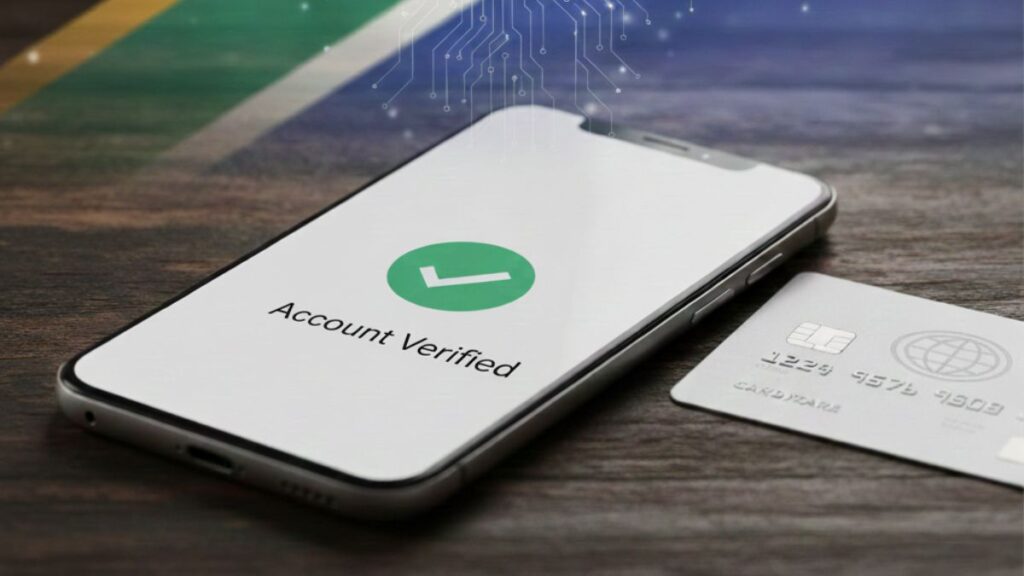
Sometimes, card or bank verification is not enough. PayPal may also ask for more proof.
You might see requests for:
- South African ID or passport
- Proof of address (utility bill, municipal letter, or bank statement)
- Business details if you’re receiving payments regularly
- Proof of income source in special cases
These are uploaded to the Resolution Center.
Once documents are approved, the account normally becomes fully verified.
Why PayPal Verification Matters in South Africa
When your account is unverified:
- sending and receiving limits apply
- some payments may be blocked
- withdrawals may fail
- the account can be reviewed or held
Verification helps PayPal reduce fraud and confirm identity. Think of it like activating all features on your profile. Once you verify your PayPal account, your account becomes more trusted.
Many South Africans also verify early because it avoids future frustration when income starts coming in.
Can I Verify PayPal Without a Bank?
You can create and use PayPal to pay online, but to receive and withdraw earnings, you will eventually need:
- a debit/credit card, OR
- a bank account that PayPal accepts
You can open a PayPal account and use it for some online payments without linking a bank account. But if you want to receive money or withdraw funds, PayPal will eventually require either a card or a supported bank account.
Is Verification Free?
Verification itself is free — however:
- PayPal temporarily charges a small amount
- This is refunded after verification
- Normal PayPal transaction and withdrawal fees still apply
What if the Code Does Not Show Up?
Sometimes the card charge appears before the full reference description updates.
Try the following:
- Wait 24–48 hours
- Check the full detailed statement
- Look for PP*, CODE, or similar wording
- If nothing appears, remove the card and re-add it
- Contact PayPal only if the problem repeats
If necessary, PayPal can resend a PayPal verification link, but most users resolve the issue only by waiting a bit longer.
Why PayPal Sometimes Rejects South African Cards
If PayPal does not accept your card, it usually means:
- the card cannot be used for international online payments
- 3-D Secure / OTP is disabled
- virtual card is not compatible
- the bank blocked PayPal temporarily
- name on card does not match PayPal profile
What to try:
- Enable international payments in your banking app
- Make sure the name on your card matches your PayPal account
- Try a different physical Visa/Mastercard
- Avoid prepaid or gift cards
If the card still fails, use the bank-account verification option instead.
Additional Tips to Avoid Account Problems
To keep your account healthy:
- always use your real name and real address
- avoid logging in repeatedly using VPNs
- keep your email and mobile number updated
- upload requested documents as soon as you see the notice
- do not create duplicate PayPal profiles
Doing these early prevents sudden payment holds later.
FAQs
How to activate a PayPal account in South Africa?
Create an account, confirm your email, add phone number, and link a card/bank to unlock features.
Why can’t I verify my PayPal account in South Africa?
Most of the time verification fails because the card does not support international online payments, the name does not match, or PayPal still needs identity documents. Check your Resolution Center — PayPal always shows the exact step still required.
How to fully verify a PayPal account?
Confirm card or bank, upload ID if requested, and remove any account limitations.
Is South Africa allowed to use PayPal?
Yes. South Africans can send and receive money, and withdraw via supported banks/services.
How can I check if my PayPal is verified?
Go to Settings → Account Status. If something is pending, PayPal will show the next step.
Which bank allows PayPal in South Africa?
Most banks allow linking cards. For withdrawals, many users rely on FNB’s PayPal service.
Final Thoughts
Verifying your PayPal account ensures smoother payments, fewer limits, and safer withdrawals. To verify your PayPal account, you simply confirm your linked card or bank account, complete any identity checks if PayPal requests them, and follow the on-screen prompts until everything shows as confirmed. Make sure your details are accurate, link and confirm your card or bank correctly, and resolve any limitation notices quickly. Once your account is fully verified, PayPal becomes much easier and safer to use, and you avoid a lot of unnecessary stress later.

Tarun Asrani is the founder and editor-in-chief of SmartAfricaGuide. With extensive experience in digital publishing and content strategy, he leads the platform’s focus on finance, scholarships, e-learning, and career opportunities shaping Africa today. Tarun visits Africa twice a year, gaining first-hand exposure to local education systems, job markets, and emerging technologies. He also closely follows African news, university updates, and government initiatives to ensure SmartAfricaGuide delivers timely, accurate, and practical insights grounded in real regional experience.